This week we talked about being kind and how we are kind to others both in real life and online.
We created a word art about what we do to be kind.

We then discussed what is being mean and what is bullying.
This week we talked about being kind and how we are kind to others both in real life and online.
We created a word art about what we do to be kind.
We then discussed what is being mean and what is bullying.
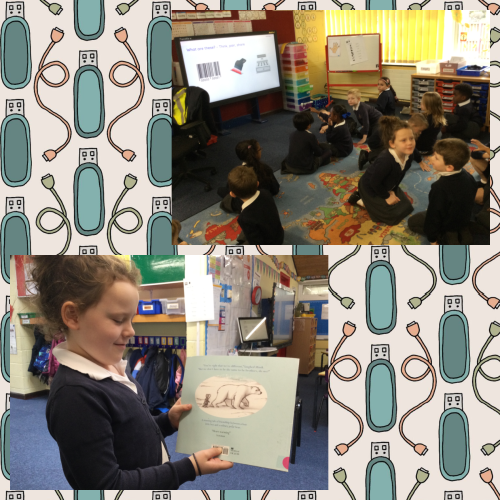
Today in computing we looked at how IT is used in the wider world. We focussed on a supermarket and talked about how the supermarket checkout has a till, barcode scanner that is part of IT.
Toucans were very good at explaining what all the pieces of hardware were. Kady also pointed out that we have barcodes on books.
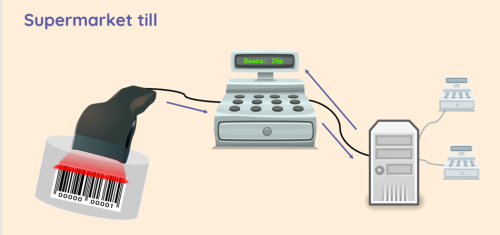
Did you know that barcodes are scanned using a scanner connected to a till. The number contained in the barcode is then used to look up the item. Once the item has been matched, its price will be looked up. This information comes from another computer, to which all of the tills are connected. The price is shown on a screen and added to a list of all of the things that the customer is buying.
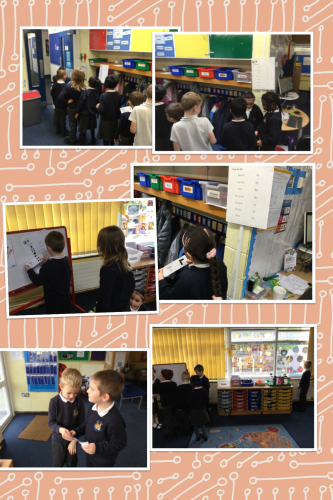
To help us understand this we did some role play. Some of us were barcode scanners and item finders, others were price finders.


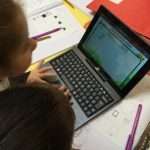

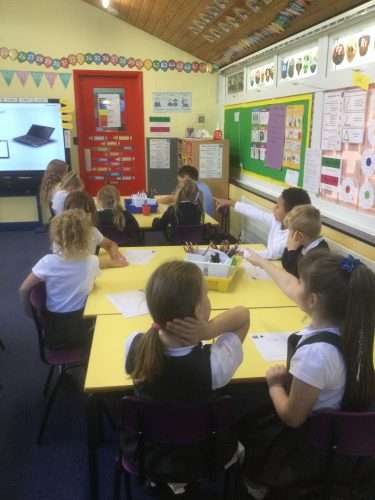
In computing we discussed what is I.T (information technology) We looked at examples of hardware we had in the classroom. (example interactive whiteboard, Personal Computing (PC), Laptop and projector. We then discussed how we use them) Finally we had a go on the laptops to ensure we all knew how to log into Wonde to use Phonics Shed and Spelling shed.
Look I’ve made a wonde link below. Click on it and don’t forget to go on phonics shed as much as possible. Mr Lo suggests 10 minutes for three times a week.


Year 2 showed off their understanding of computing vocabulary (Instruction, sequence, clear, unambiguous, algorithm, program, execute) and their knowledge of giving instructions to guide the robot to create shapes.
Today, Year 2 discussed rules to help keep us happy, healthy and safe whilst using technology at school and at home.
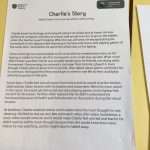
Part of the lesson included reading about a little boy called Charlie. When we heard about Charlie, we were a little bit worried about him. There were some things we felt that Charlie wasn’t doing correctly, and we thought we could all help him. As we were reading, we decided to draw a sad face on our whiteboard every time we heard something that Charlie has done that we thought was not right.
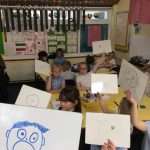
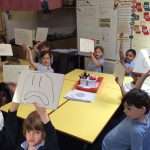
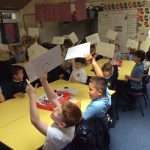
Well done! We did very well! Now… don’t forget to log on to Wonde at home to review your learning!
In our Computing lessons we have enjoyed using Purple Mash. There are so many games to play, books to read and learning tools to use!


Today in computing we used 2Go on Purple Mash to practice giving instructions. The challenges started easy and then got harder! We had to persevere a lot with some of them to get them correct but we really enjoyed the challenge.


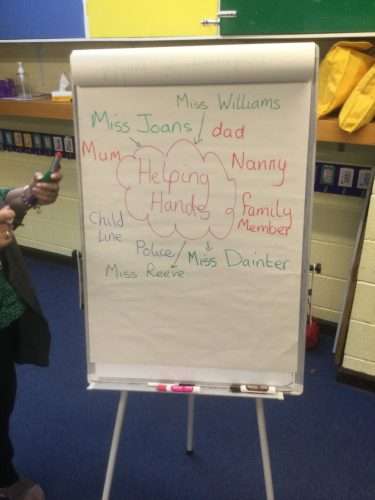
In PSHE, we have been looking at the importance of internet safety and speaking to the appropriate people if we see something which worries us online. We listened to the “Funny Tummy” song. We loved learning all of the words and the lyrics helped us learn more about online safety! After, we listed all of the grown-ups we think can help us.
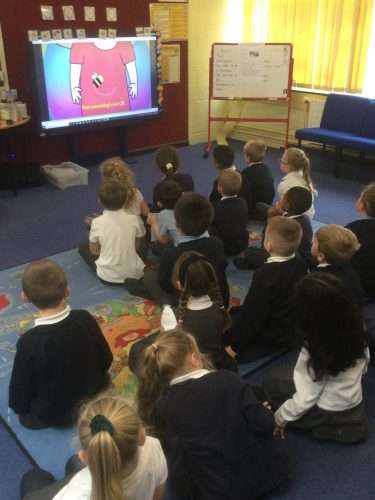



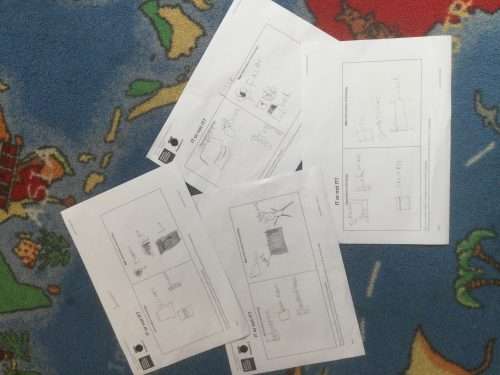
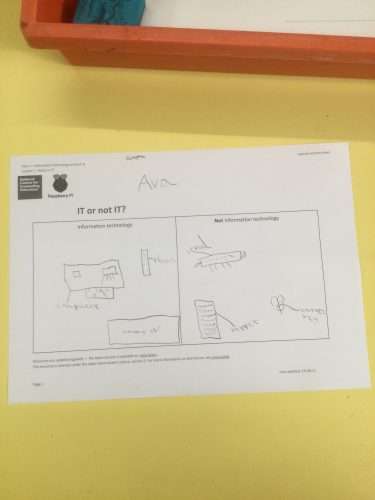
In Year 2, we have been looking at different types of Information Technology. We have been discussing the different features of computers and their similarities and differences. We have also been able to identify which items are classed as computers and which items are not. We looked at a variety of different photos and had to determine whether they were classed as technology or not.
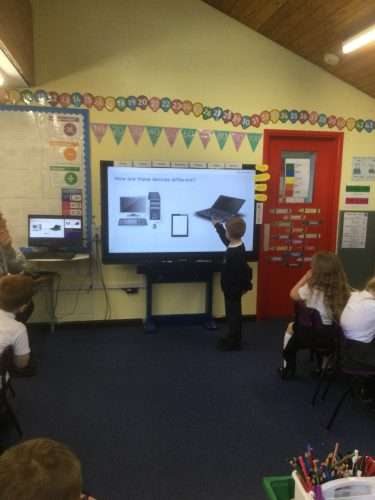

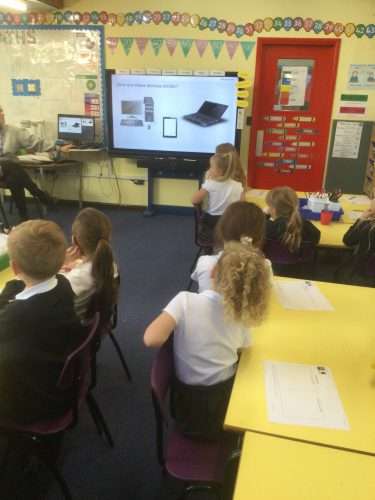
Today Toucans learned about how we can manage online information. We watched a video from the National Online Safety website and then had a class discussion.
Here are our ideas:
What can we use laptops for?
We then thought about possible dangers and what the solutions might be:
Potential danger: Evelyn – Using FaceTime or Zoom you could be bullied by an unexpected person.
Solution: Ryan – You can block them and make sure an adult is with you
Potential danger: Thomas S – Viruses
Solution: Edey – You could delete the game. Salaf – You could tell a parent.
Potential danger: Using Roblox
Solution: Olivia – You can switch off the chat or always make sure an adult is with you.
We then discussed how our safest option for searching the internet is Swiggle. This search engine has even more protection for children. We discussed some places we had been to and how we could use Swiggle to find out more about these places.
Salaf – New York
Brooke – Wales
Eason – Japan and I was born in Hong Kong
Juwayriya – New York
Evelyn – Greece
Edey – Columbia
We decided next week to use what we had learned about managing information to research these places using Swiggle.
Last week in Computing we had a look at 2Investigate. We discussed how 2Investigate is a database and a database is used to hold lots of structured information. A few examples of data bases that we talked about was where all our assessment scores are kept as well as SIMS – where we take our register every morning and afternoon. Databases can tell us lots of different things and are very useful in lots of different types of jobs. We also had a look at how data from databases can be presented – we are focusing on bar charts.
In our most recent lesson, we all had a go at logging onto Purple Mash to use 2investigate. Miss Hookes gave us a step-by-step guide to follow to make sure we were all in the right starting place! We were then introduced to the collaborative function – where we could see what everyone was doing to our class database!
We all had a go at creating ourselves on the class database and putting in the correct information in each field, hair colour, age, name and eye colour. Next week we are going to finish making ourselves on our class database and then use the bar chart function to find out as a whole class the answers to the following questions:
Then once we have done this, the week after we will have a go at putting this data into our very own bar chart!
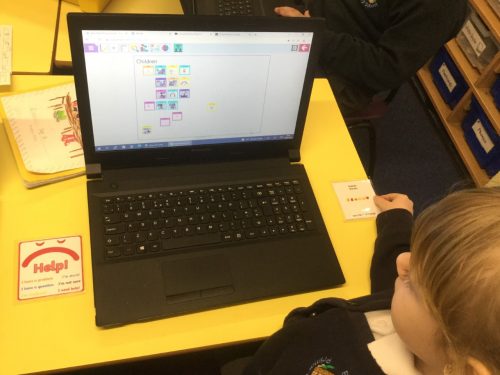

This week in Computing, we learn all about the Tomato Spider. Here are some of the things we learnt…
Here is the link where we found all this information: https://cocoon.education/tomato-spider/
But, the more we looked into it, we soon discovered there was no such thing as a Tomato Spider and someone had completely made it up! We researched safely on the internet to see if we could find any information on a Tomato Spider and we couldn’t find a thing!
We were shocked to find out there was no such thing as a Tomato Spider, but this taught us that not everything we see on the internet is true and that we must always check with an adult when looking online at things we are unsure of.

This afternoon, Toucans used the child friendly search engine, called Swiggle, to research answers to questions about wildlife.

Here is Shriya’s letter to Wise Owl with the facts she has learnt after today’s Safer Internet lesson.


Here is Isla’s letter to Wise Owl with the facts she has learnt after today’s Safer Internet lesson.
Well done Isla!!


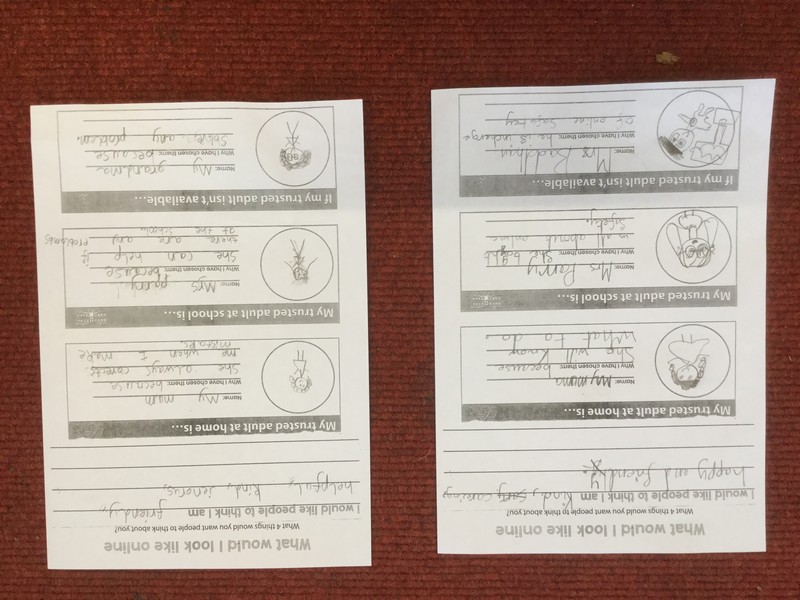
Toucans discussed their understanding of cyber bullying and what to do if it ever happens.
Karly – If you receive a nasty text message you should always tell your parents.
You should block them as a contact too.
Corban – You should keep the the text as proof for evidence.
Ryan – You need to tell your parents.
Elias – You can tell the teachers at school.
The class watched an interactive film and used thumbs up/down to decide whether an action was right or wrong, related to cyber bullying. Afterwards, Mrs Parry described three photos of people and the children had to draw a quick sketch from her description. Afterwards, the class discussed who their trusted adults were, should they ever need support with cyber bullying issues. Finally, Toucans had some examples of online comments and had to decide how these would make them feel.



In Computing, Year 2 Toucans continued with sorting data today and some children completed their branching databases.
The children selected their own category today and sorted their items into groups by asking questions based on the group of pictures e.g “Does it have a tail?”, “Does it fly?”, “Does it eat fish?” etc.
Here are some completed branching databases.
Tatenda’s Branching Database

Ayra’s Branching Database

Jospeh’s Branching Database
